
AppLocker - App Lock
Lend your phone. Keep your apps shut.
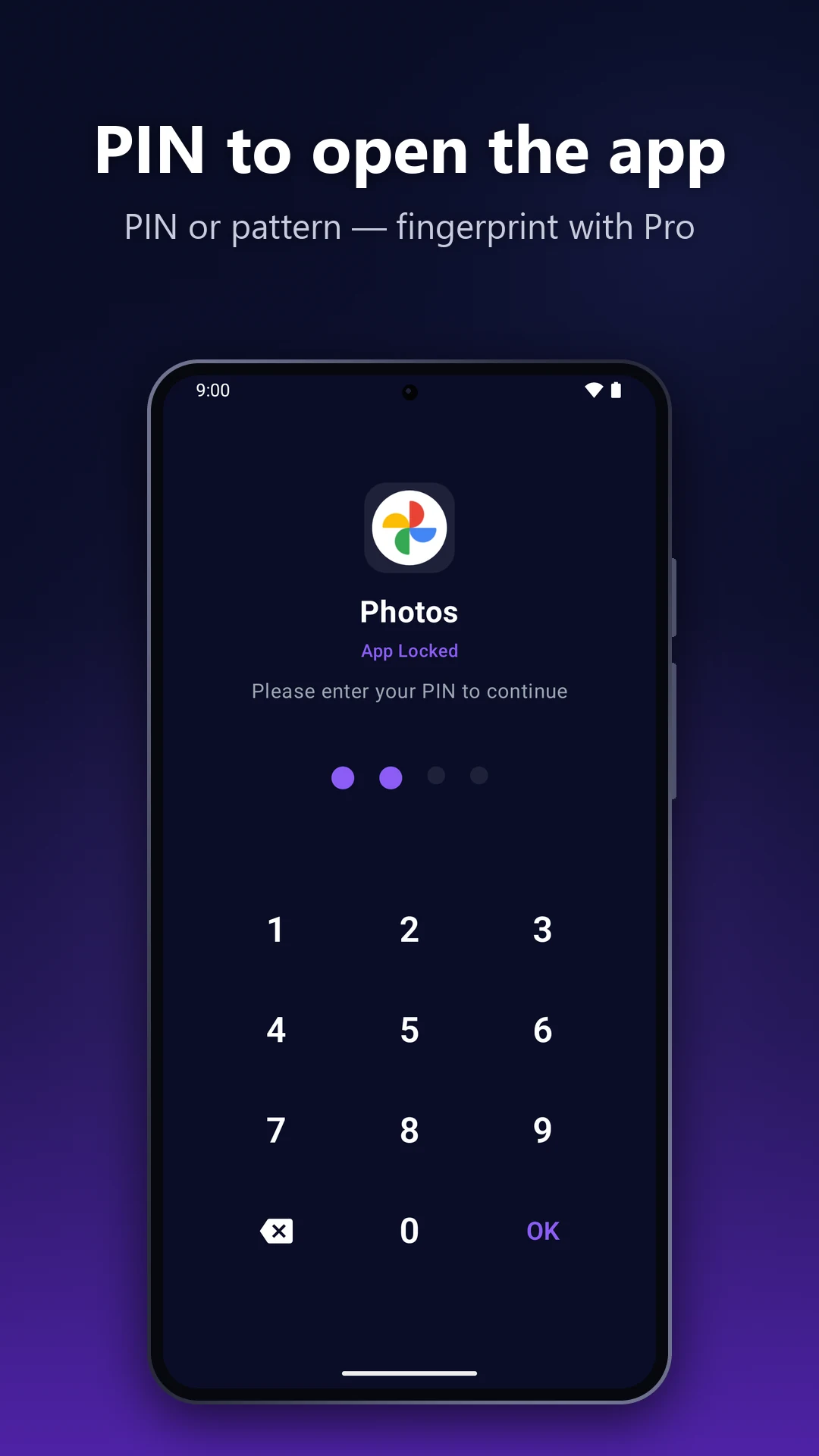
When someone else has your phone, the apps you lock stay shut until your PIN or pattern goes in. No Accessibility service, no account, and your PIN never leaves your phone. Free for 3 apps (with ads).

Chats, photos and banking behind a PIN or pattern
Never reads your screen: no Accessibility service
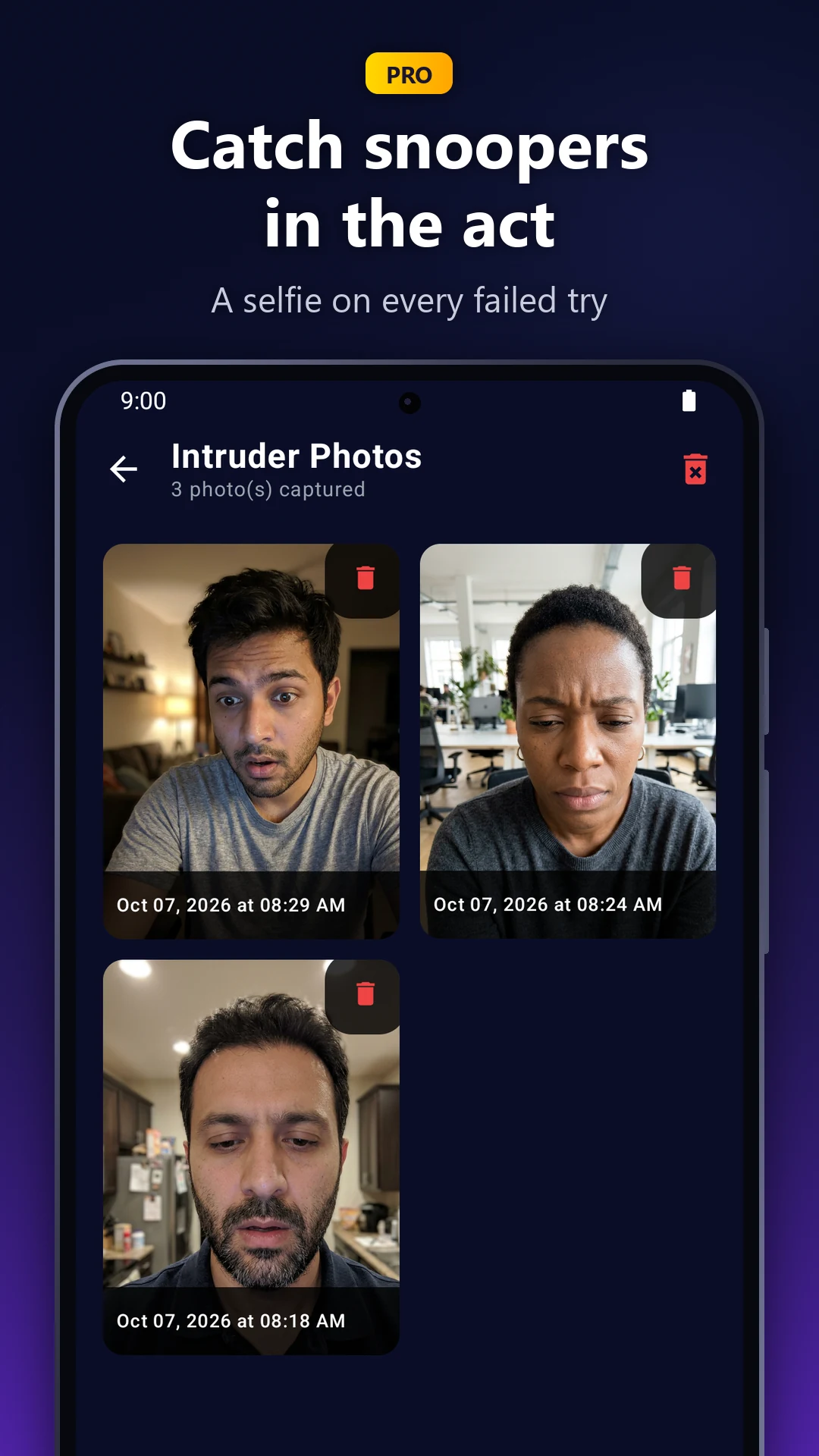
Pro: a quiet photo of anyone who guesses wrong
Built for the moment your phone leaves your hand
Lock the apps you don't share, and see who tried when someone guesses wrong.
Why AppLocker
It can't read your screen
Most app lockers ask for the Accessibility service, a permission that can read everything on your screen. AppLocker doesn't use it. It only checks which app is opening, then puts your PIN or pattern in front of it.
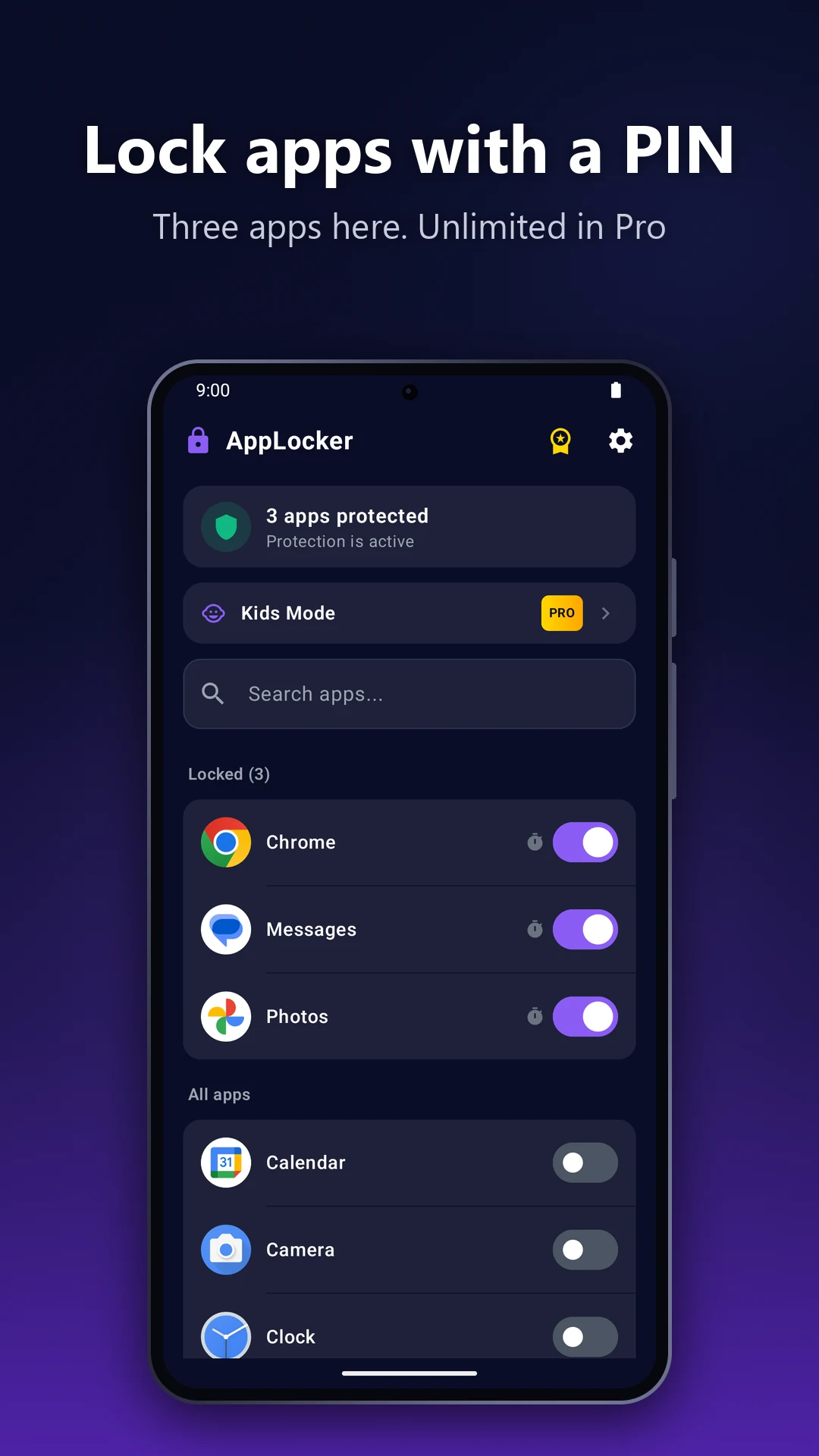
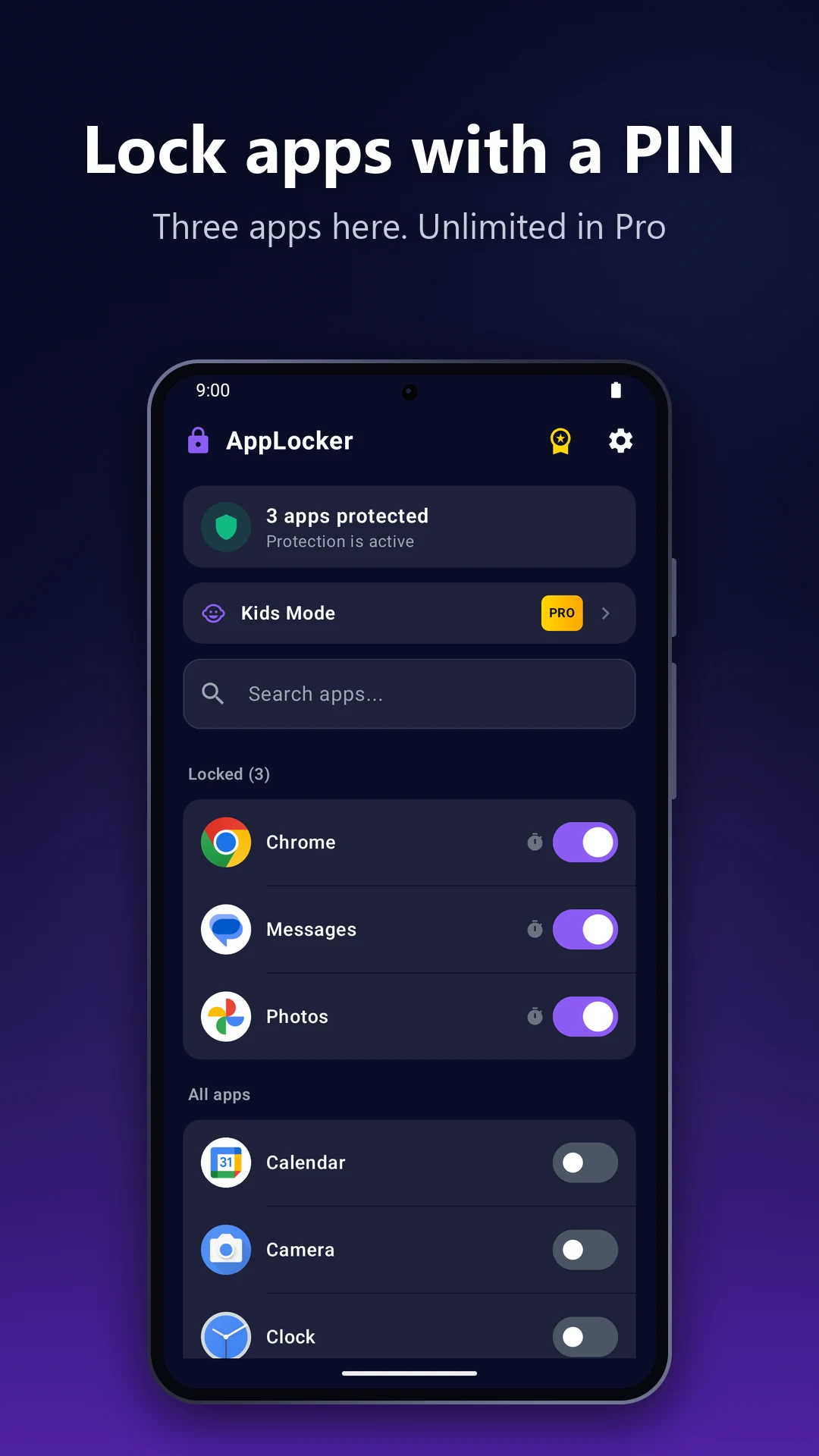
Lock up to 3 apps free with a PIN or pattern
Apps lock again on their own when you leave them
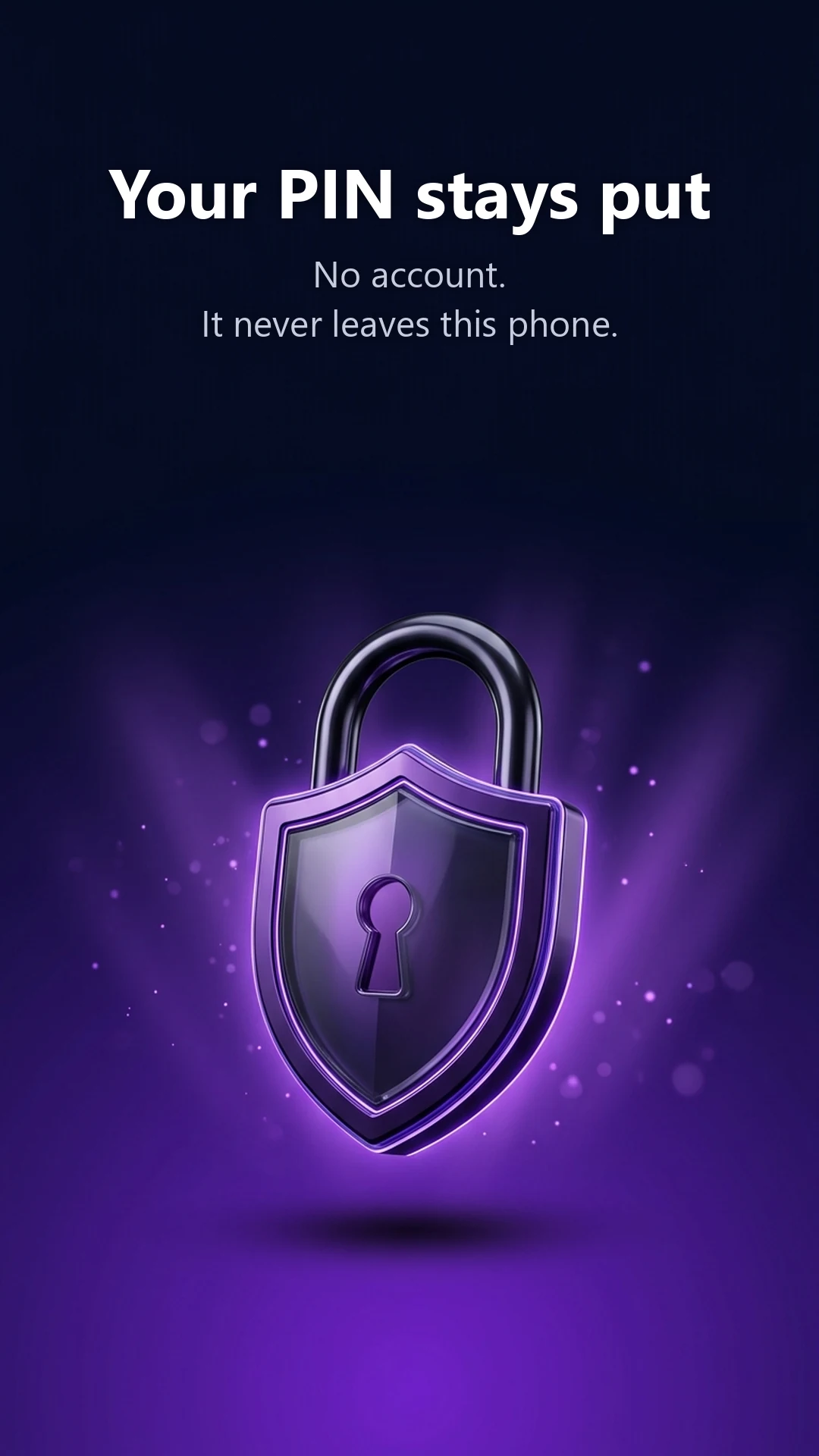
No account, and your PIN stays on your phone
Why AppLocker
Know who tried (Pro)
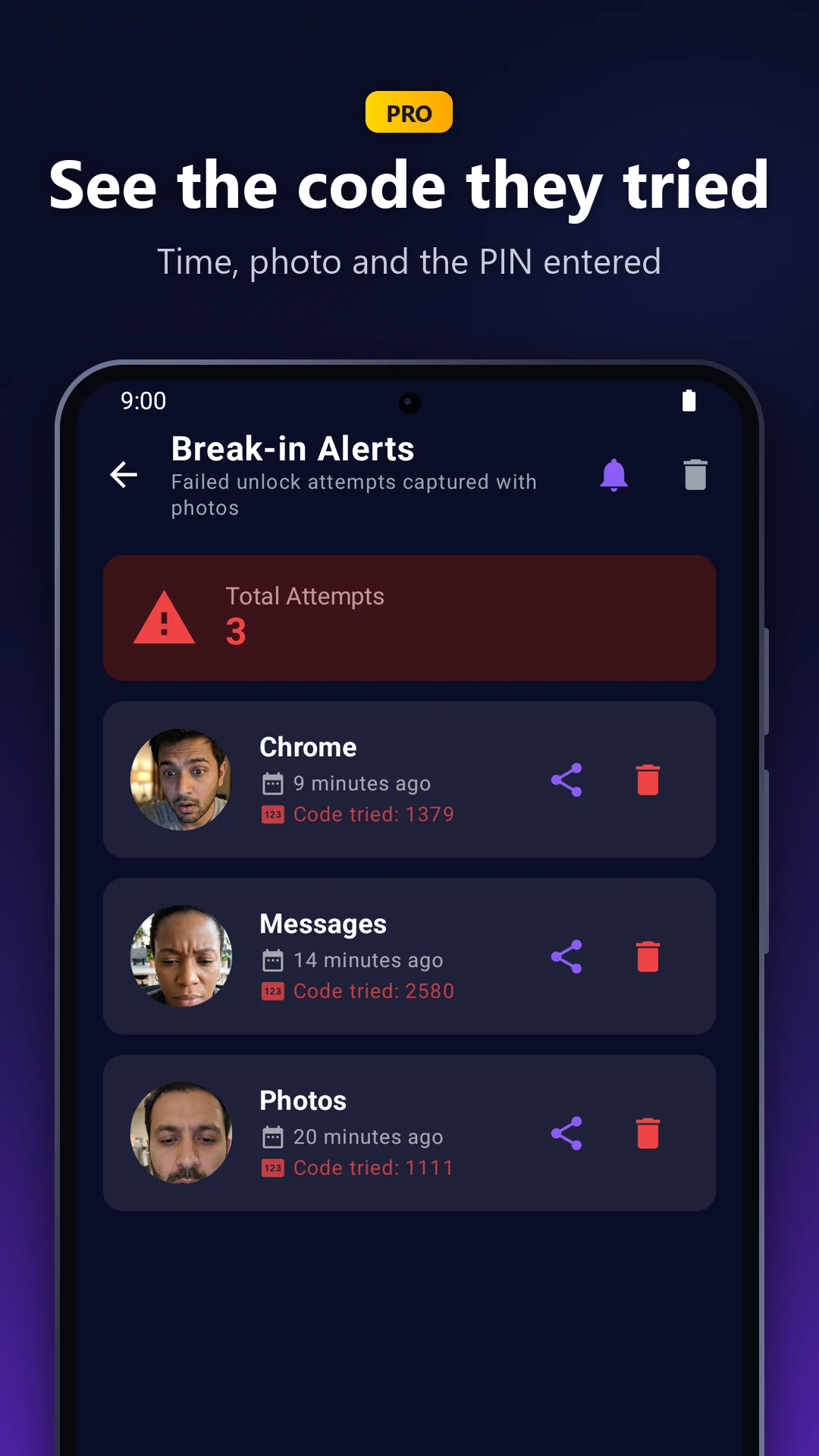
With AppLocker Pro, a wrong PIN quietly takes a front-camera photo and records the exact code that was tried. Kids Mode locks everything except the apps you allow, in one tap.
Intruder Selfies and Break-in Alerts (Pro)
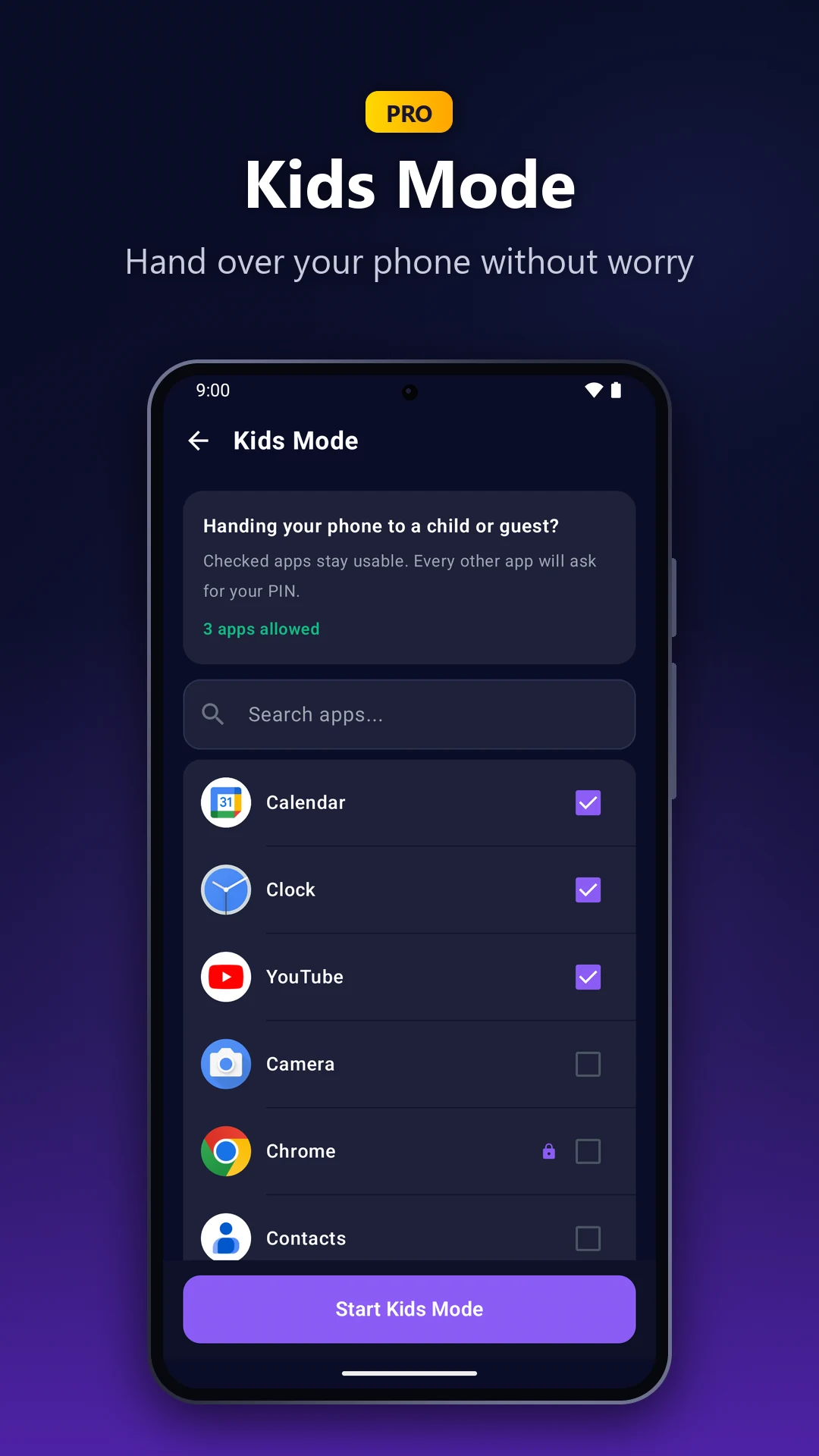
Kids Mode: only the apps you allow (Pro)
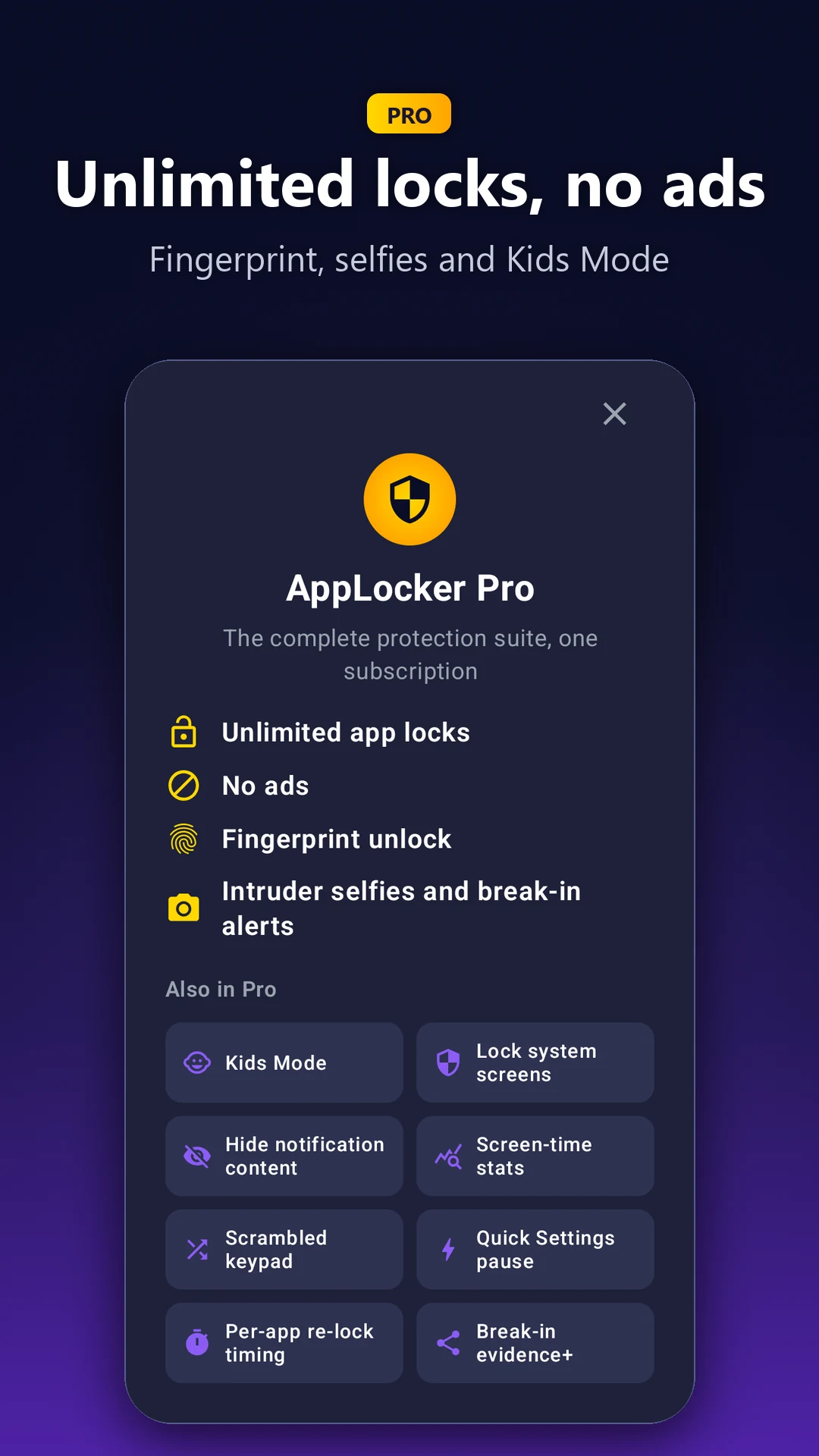
Fingerprint unlock and no ads (Pro)
Small app. Serious lock.
The essentials are free. Pro adds what you'll want when someone keeps guessing.

Kids Mode (Pro)
One tap before you hand your phone to a child, and only the apps you allow will open.

Locks again on its own
Apps lock again shortly after you leave them, and always when the screen turns off.

Uninstall Protection
Stops someone else from simply uninstalling AppLocker to get around it. Included free.
Tried AppLocker?
Tell other people what you think: leave a review on Google Play. We read every one.
AppLocker questions
Short answers to what people ask most.
What is AppLocker?
An Android app lock. The apps you choose, like chats, photos and banking, stay shut until your PIN or pattern goes in, and they lock again shortly after you leave them.
Does it use the Accessibility service?
No. AppLocker uses Usage Access to see which app is opening and "Display over other apps" to show its lock screen on top. It can't read what's on your screen.
Is it free?
Yes, for up to 3 apps, with ads. AppLocker Pro is a monthly subscription with unlimited locks and no ads. Eligible new subscribers can start with a free trial, and you can cancel anytime in Google Play.
What does Pro add?
A quiet front-camera photo and a record of every wrong PIN, including the code that was tried; Kids Mode; fingerprint unlock; locking Settings and the Play Store; hidden notification previews; a scrambled keypad; and more.
What is Kids Mode?
A Pro feature for handing your phone to a child: one tap locks every app except the ones you allow.
Do I need an account? Where is my PIN stored?
No account is needed. Your PIN is stored only on your phone.
Does it need root?
No. It works on Android 7.0 or later without root.
Which languages are supported?
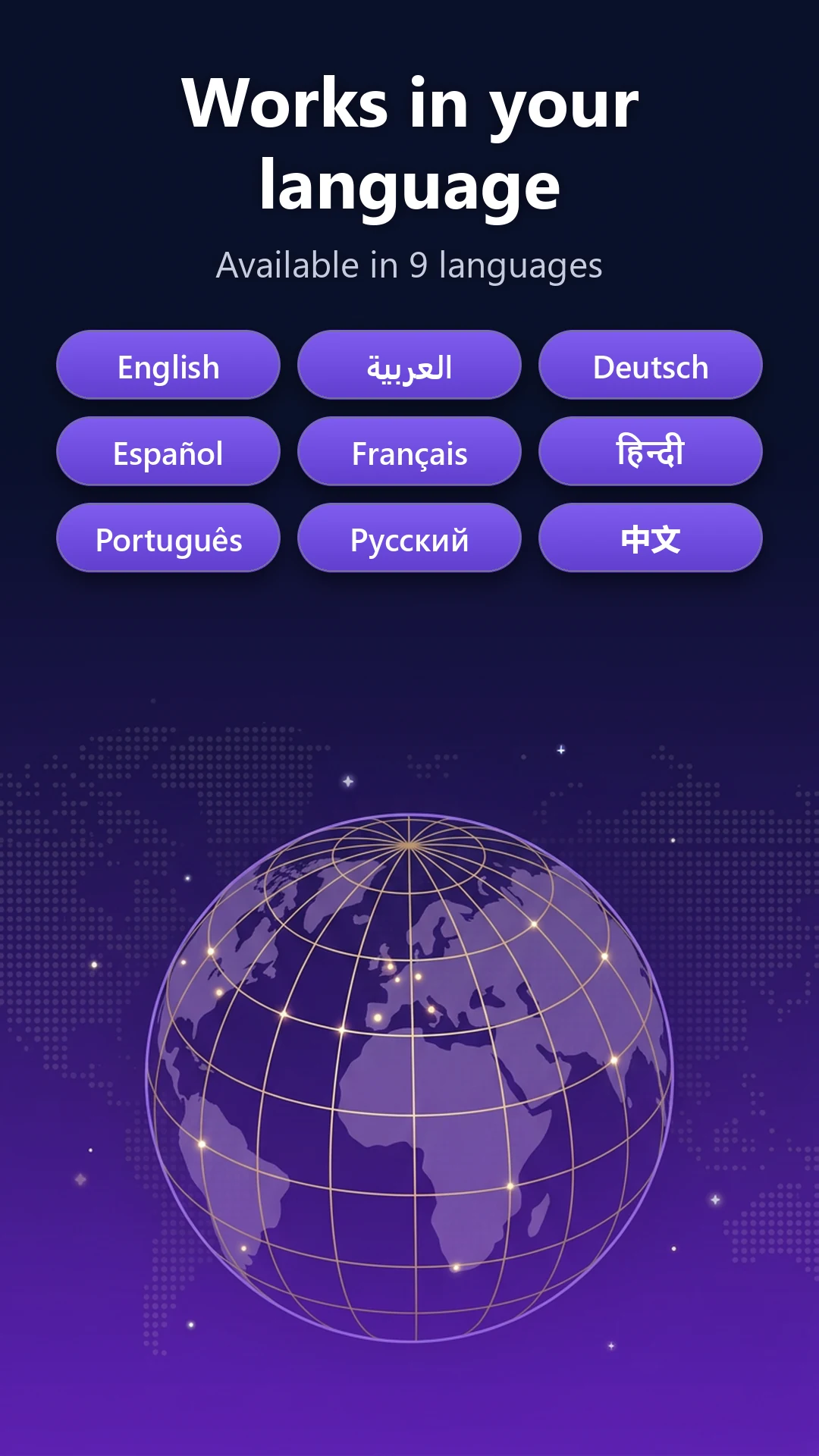
English, Arabic, German, Spanish, French, Hindi, Portuguese, Russian and Chinese.
Where can I learn more?
The official website has guides, the press kit and the full feature list: https://applocker.web.app
Lock your first 3 apps free
Get AppLocker on Google Play. No account needed, and it never reads your screen.
Let's keep in touch!
Subscribe to our newsletter for the latest news and updates.
By subscribing, you agree to AppLocker - Privacy Guard Privacy Policy.